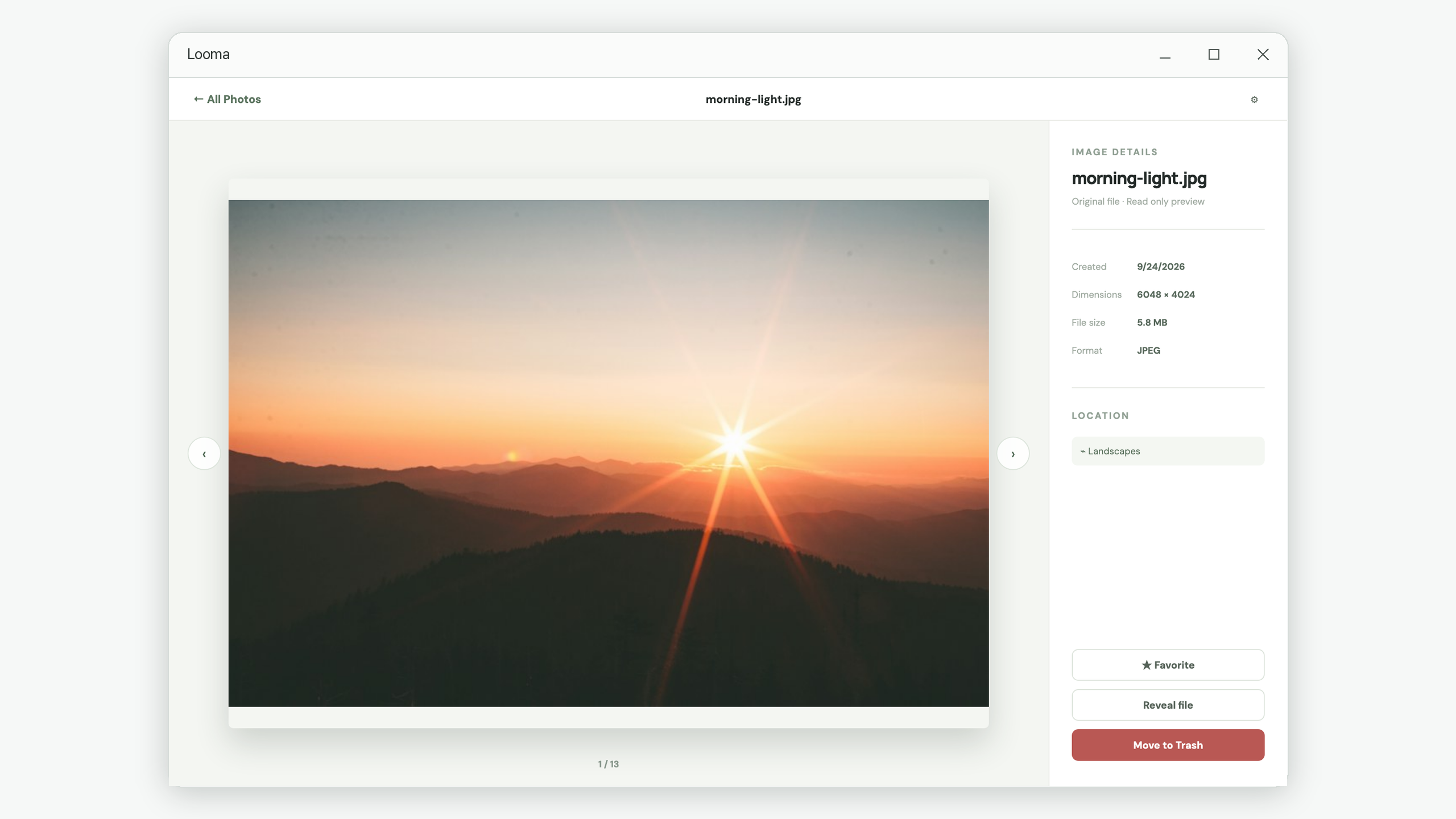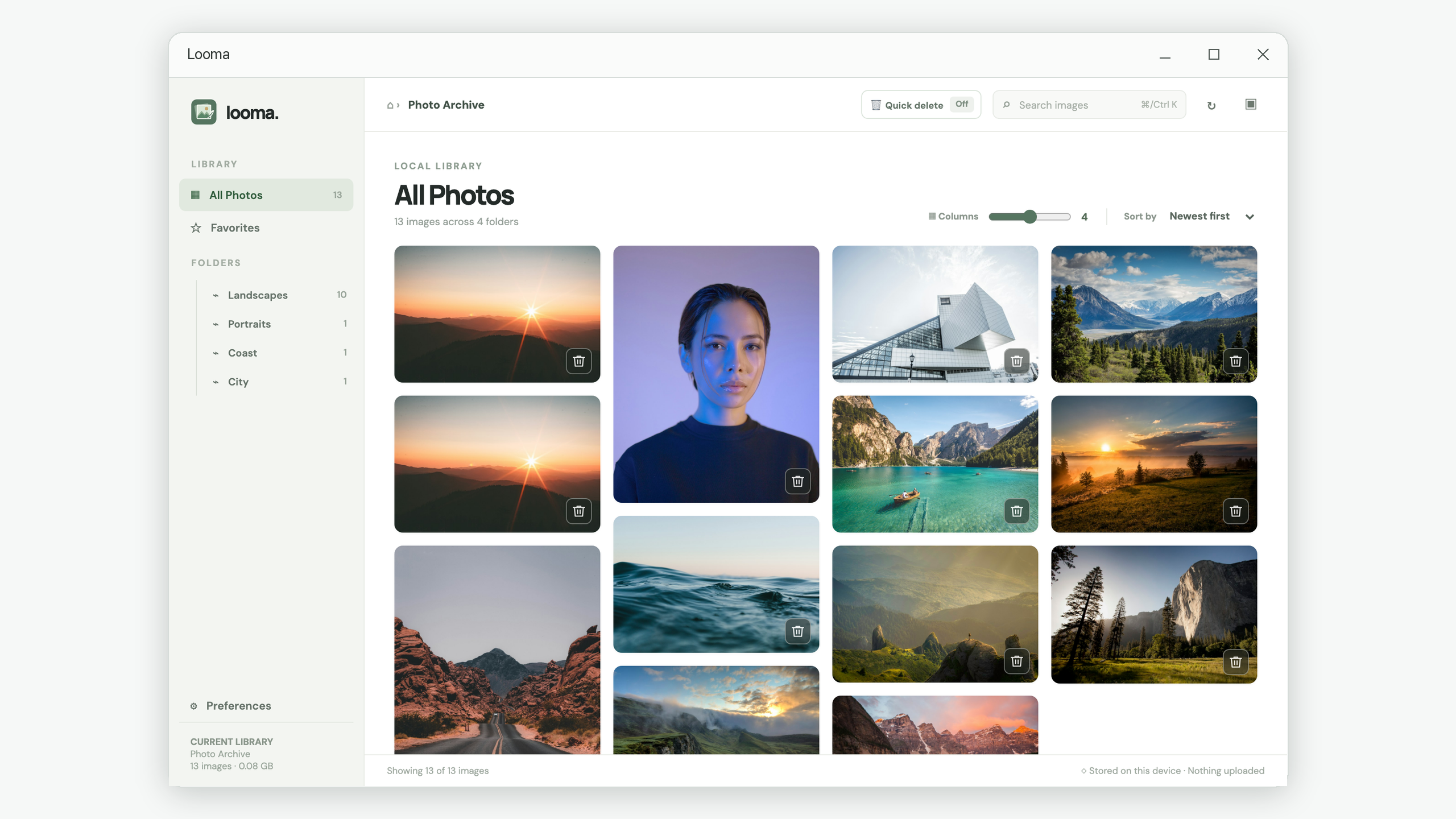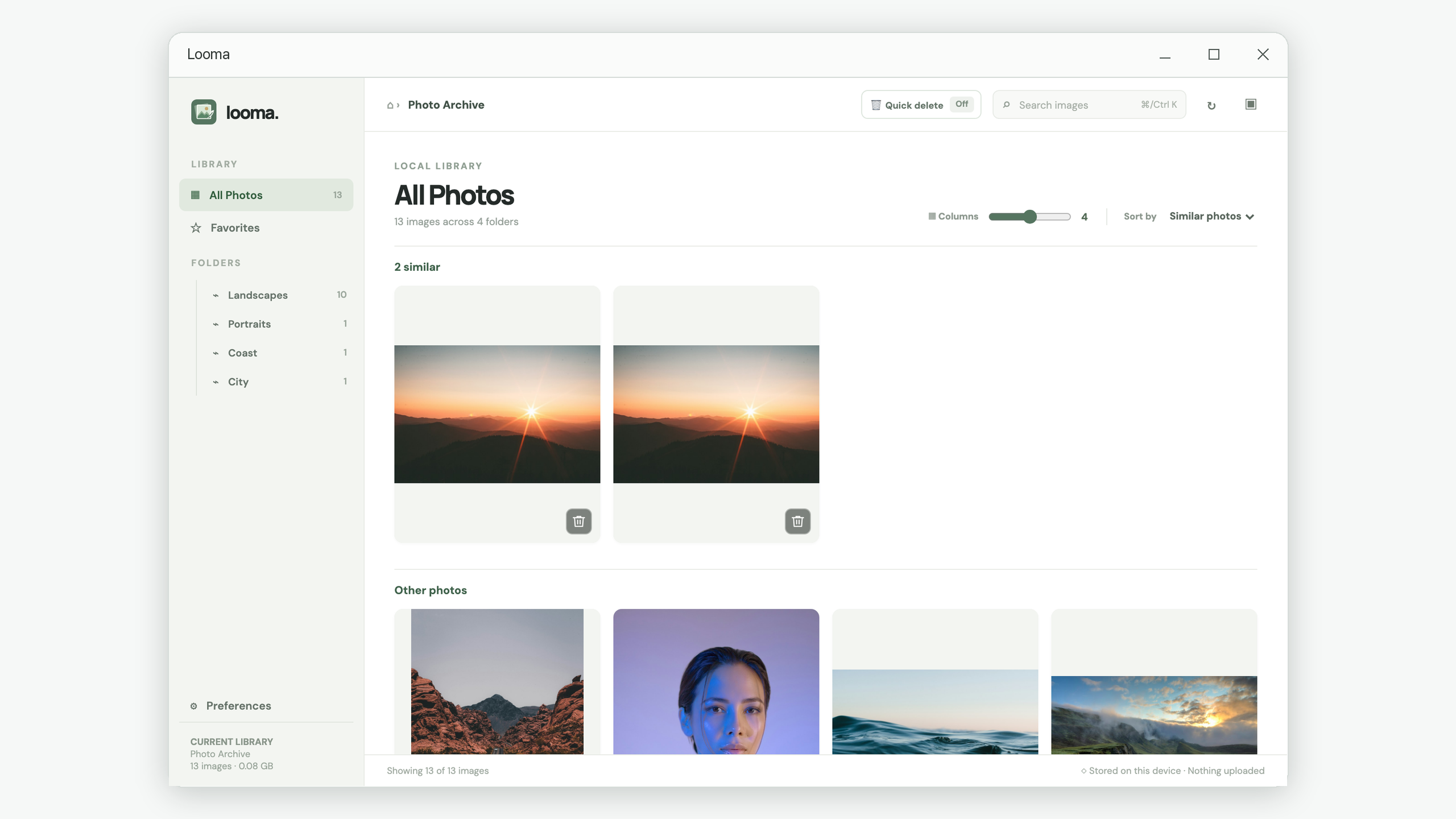
How to Find and Compare Similar Photos on Windows
Find duplicate-looking photos, compare image details, and choose which version to keep using Looma’s grouped photo review workflow.
Read the guide looma.
Practical answers for the moments when your photo collection gets difficult to review. Start with the task you want to finish.
Find duplicate-looking photos, compare image details, and choose which version to keep using Looma’s grouped photo review workflow.
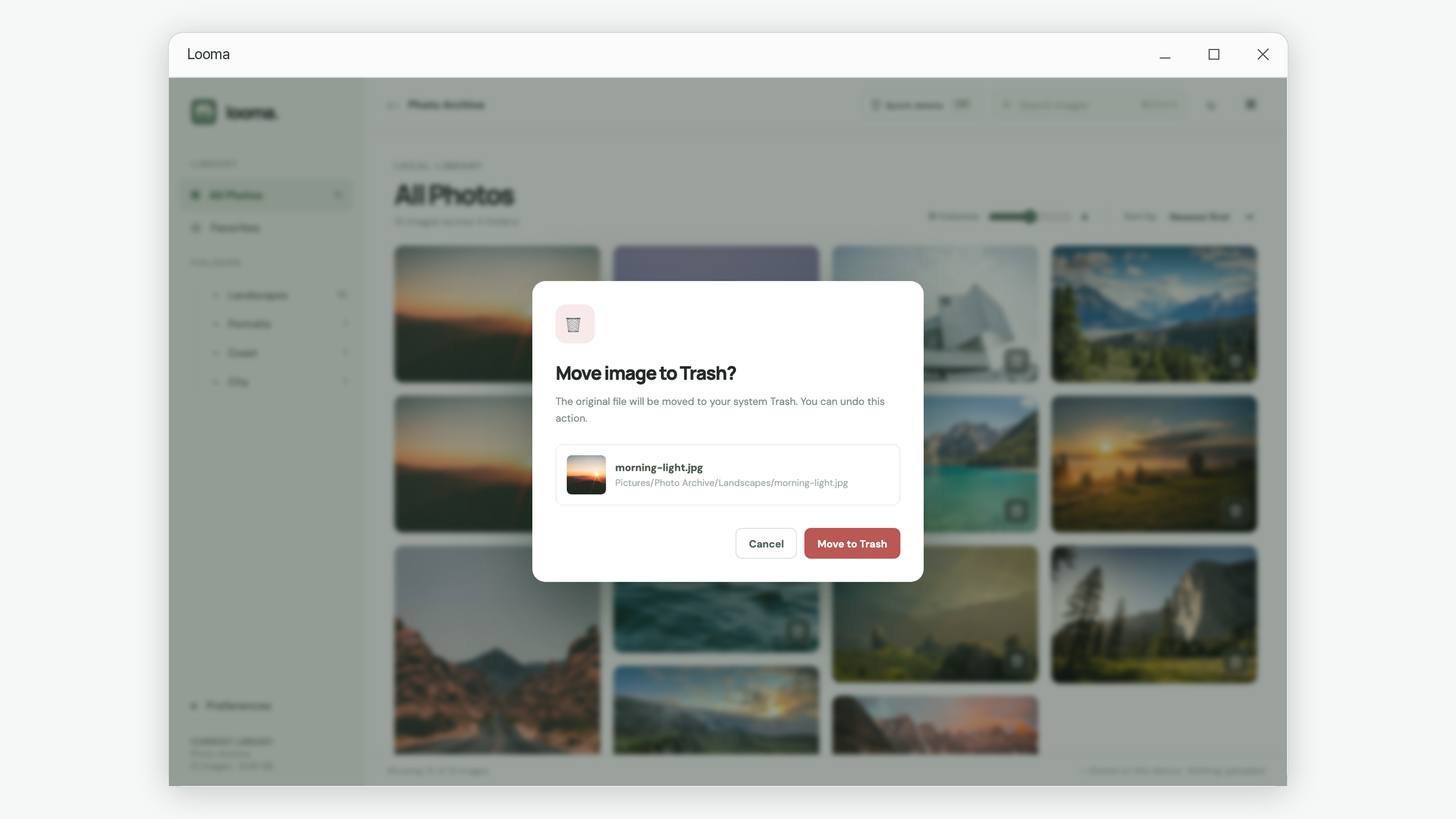
Read the guideA step-by-step photo cleanup tutorial: review a folder, mark favorites, check originals, and use confirmation and Undo before moving on.
Read the guideBrowse nested photo folders in one local gallery, search file names and folder paths, and troubleshoot images missing from your library.
Read the guideUnderstand the Windows Recycle Bin, Looma’s temporary Undo copies, and local previews so you can recover a mistaken deletion and manage storage.
Read the guideBring your local photos into a clearer view, then work through the guide that fits your task.
Explore Looma in Microsoft Store ↗